COPYRIGHT
©
2001 CANON INC. 2000 2000 2000 2000 CANON iR8500/7200 REV.1 AUG. 2001
CHAPTER 4 INSTALLATION
4-11
No. Work Checks/remarks
2.3 Mounting the Scanner System (iR8500/iR8500P)
1 Remove the packing tape from the copier.
2 Open the ADF.
Remove the copyboard glass protective
padding.
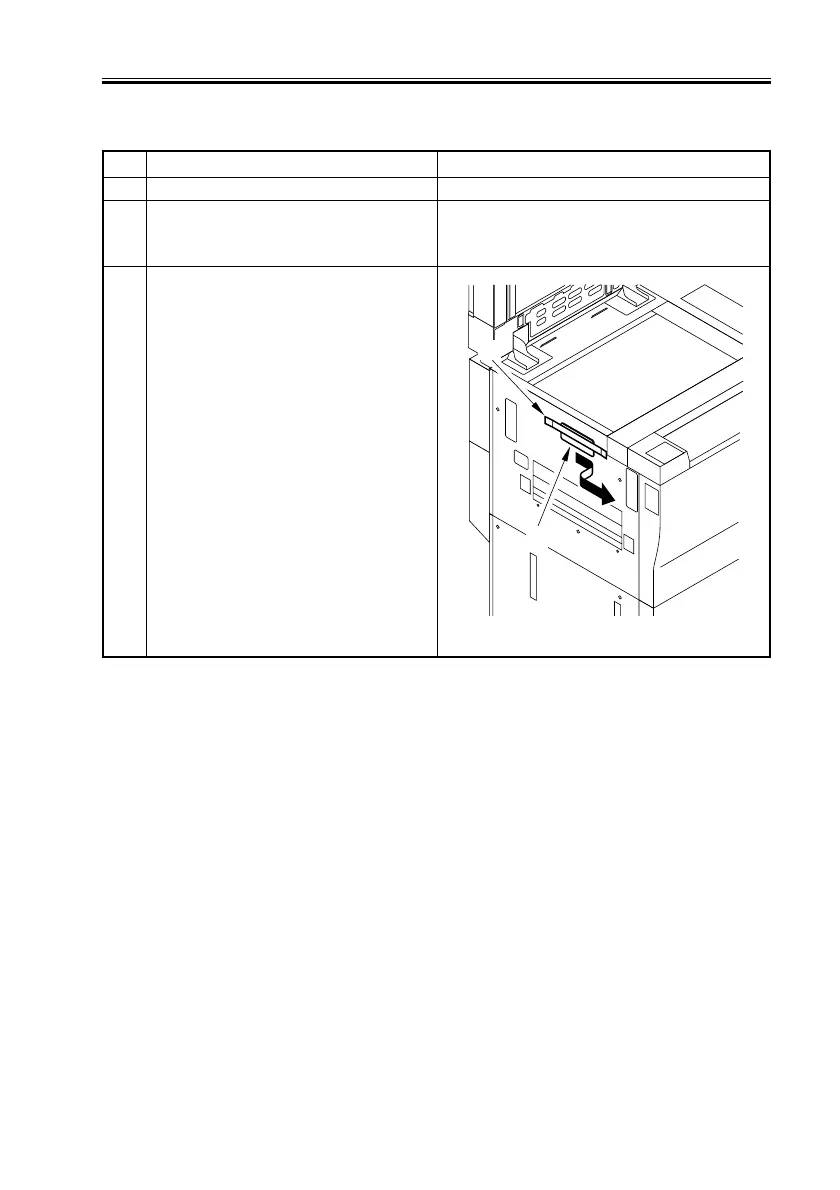
3 Remove the tape [1], and slide the scanner
fixing [2] toward the front to detach
(Store away the fixing for possible reloca-
tion of the machine in the future).
F04-203-01
[2]
[1]


 To Next Page
 Loading...










