COPYRIGHT
©
2001 CANON INC. 2000 2000 2000 2000 CANON iR8500/7200 REV.1 AUG. 2001
CHAPTER 6 TROUBLESHOOTING
6-103
J730
J723
T601
4.1.18 E065
Primary charging assembly (dirt)
1) Is the primary charging assembly soiled with paper lint or the like?
YES: Clean the primary charging assembly.
Mounting condition
2) Is the primary charging assembly mounted properly?
NO: Mount the assembly properly.
Contact
3) Is the contact of the primary charging assembly soiled with dirt?
NO: Correct the problem?
Connection
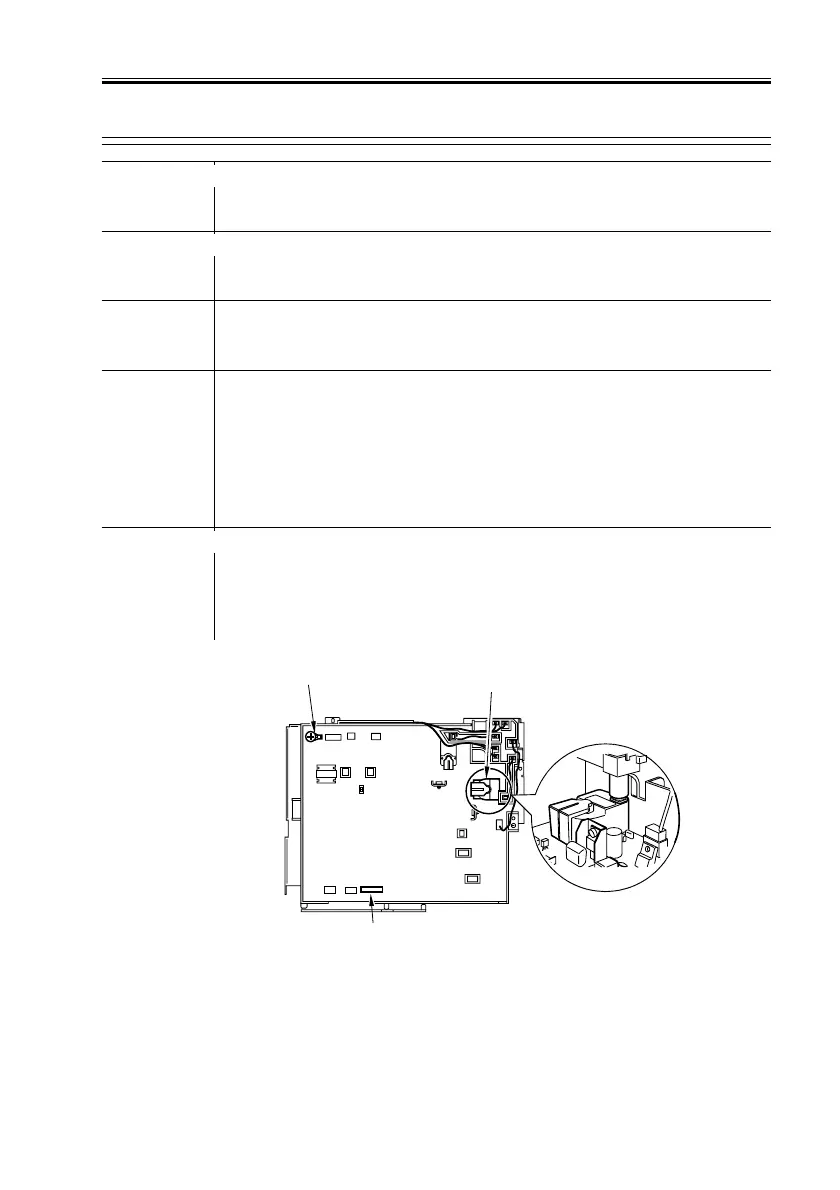
4) Is the connection of the following on the HV-DC controller PCB se-
cure? (See F06-401-01)
• T601
• J723
• J730
NO: Connect the connectors securely.
Wiring, HV-DC controller PCB
5) Check the wiring/connection from the HV-DC PCB to the primary
charging assembly. Is it normal?
NO: Correct the wiring/connection.
YES: Replace the HV-DC PCB.
F06-401-01


 To Next Page
 Loading...










