COPYRIGHT
©
2001 CANON INC. 2000 2000 2000 2000 CANON iR8500/7200 REV.1 AUG. 2001
CHAPTER 6 TROUBLESHOOTING
6-214
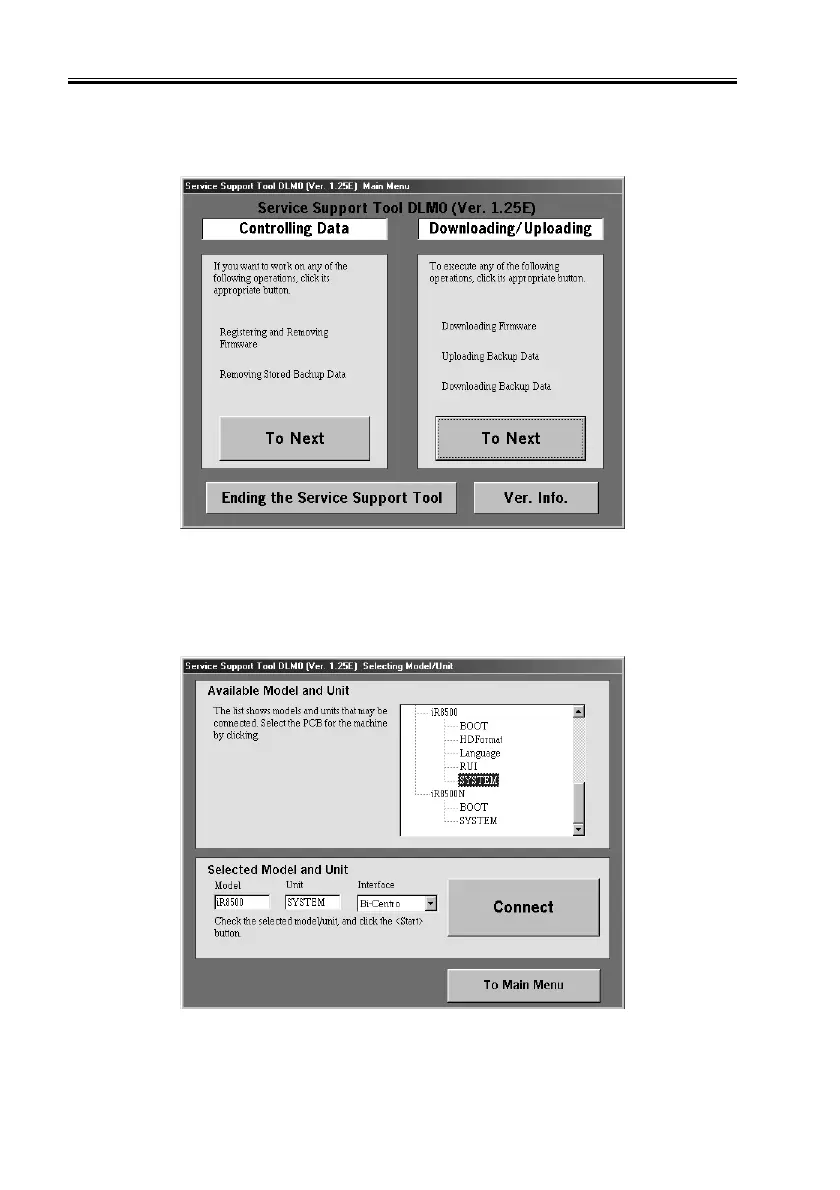
8.2.3 Backing Up Data
1) Under ‘Downloading/Uploading’, select ‘To Next’.
F06-802-01
2) Select ‘SYSTEM’, and select ‘Connect’. The discussions that follow assume the use of a
bi-Centronics cable as the interface.
F06-802-02


 To Next Page
 Loading...










