CHAPTER 4 INSTALLATION
4-26
COPYRIGHT
©
2001 CANON INC. 2000 2000 2000 2000 CANON iR8500/7200 REV.1 AUG. 2001
No. Work Checks/remarks
1
Go through the following
steps only if Inch-configured
paper is not going to be used.
Press the releasing buttons of cassettes 3
and 4, and slide out the cassettes to
remove the packing material.
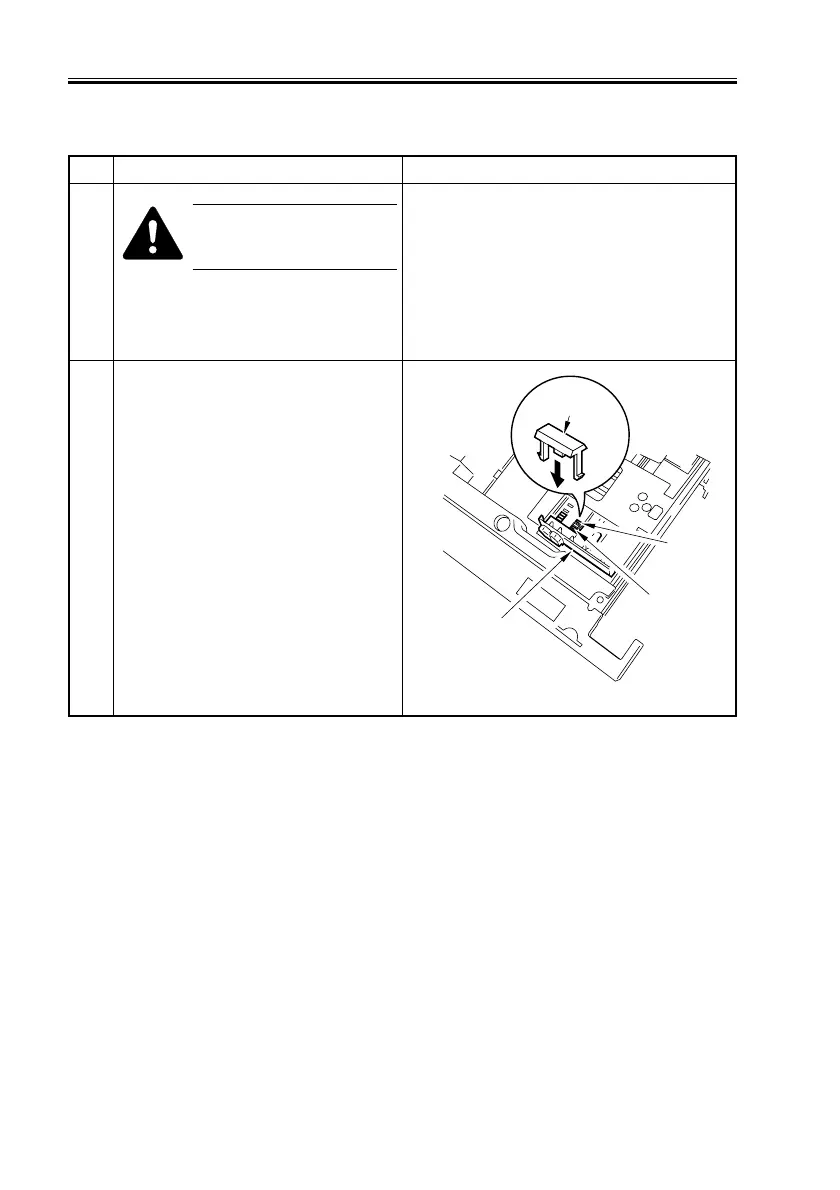
2 Set the side guide plate [1] of cassettes 3
and 4 into the hole (A4/A3) identified by
the marking M.
Fit the non-Inch tab [2] that comes with
the machine into the hole identified by the
following marking, making sure that it
will not be pushed up from inside the
cassette:
A:STMT-R
H:LTR-R
F04-210-01
A
H
[2]
[1]
2.10 Cassette


 To Next Page
 Loading...










